All Document Reader & Editor
-
4.4
-
Developer
EZTech Apps
-
Category
Productivity
-
Version
1.3.9
-
Android OS
Varies with device
-
Downloads
890M
-
Content rating
0
One App to Rule All Your Documents
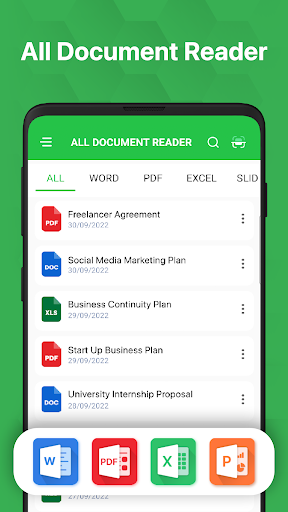
In the fast-paced digital world, managing various file formats on a mobile device can be a daunting task. Enter All Document Reader & Editor, a versatile application designed to handle everything from PDFs and Microsoft Office files to images and text documents. Unlike many single-purpose viewers, this app consolidates reading, editing, and conversion capabilities into one streamlined interface, making it a go-to tool for students, professionals, and everyday users alike.
Seamless Multi-Format Support
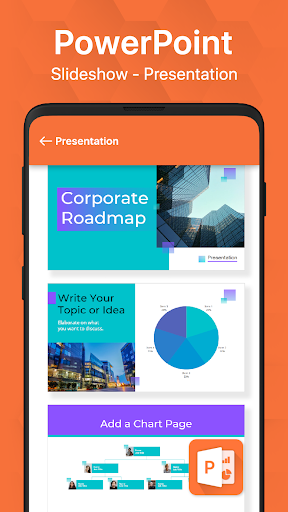
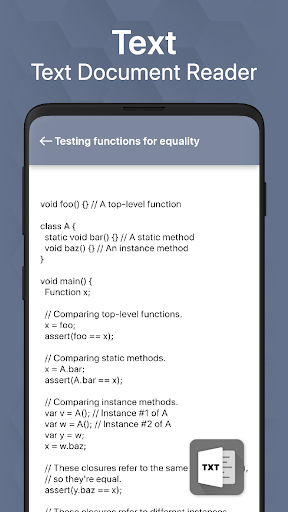
What sets this app apart is its ability to open and display over 10 different file types without requiring additional plugins. Whether you're dealing with a Word document, Excel spreadsheet, PowerPoint presentation, or even an ePub ebook, the app renders them with near-perfect fidelity. The built-in image viewer handles JPEGs, PNGs, and GIFs, while the text reader supports plain TXT files. This universal compatibility eliminates the hassle of switching between multiple apps, saving both storage space and mental load.
Editing Made Intuitive and Powerful
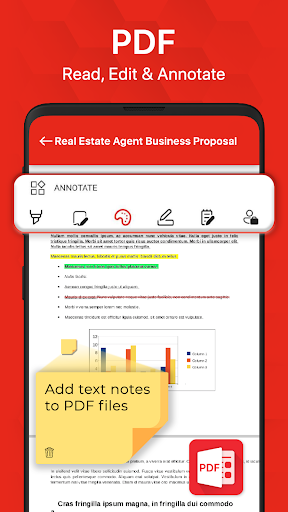
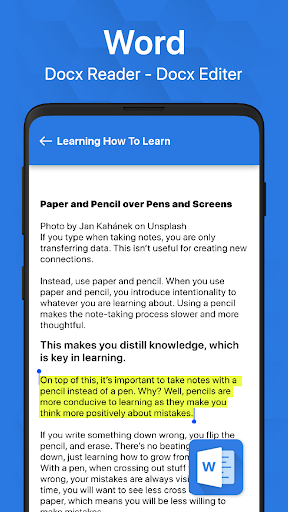
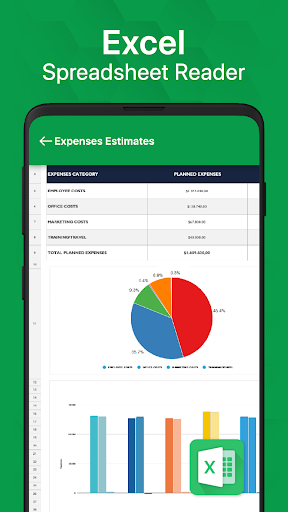
Beyond just reading, All Document Reader & Editor offers a surprisingly robust editing suite. For PDFs, you can annotate, highlight, and add text boxes, while Word documents support basic formatting adjustments like bold, italic, and font size changes. Spreadsheets allow you to edit cells and recalculate values, and presentations can be modified on the fly. The editing tools are designed with touchscreen users in mind, featuring drag-and-drop functionality and a clean toolbar that doesn't clutter the screen. This balance of simplicity and capability makes it accessible to novices yet powerful enough for light professional use.
Effortless File Conversion and Sharing
One of the most valuable features is the built-in file converter. You can transform a PDF into a Word document or an Excel file into a PDF with just a few taps, preserving layout and formatting better than many competitors. This is ideal for repurposing content or ensuring compatibility across platforms. Additionally, the app integrates directly with cloud services like Google Drive, Dropbox, and OneDrive, so you can import, edit, and save files seamlessly. Sharing edited documents via email, social media, or messaging apps is also lightning-fast, thanks to the direct sharing menu.
Performance and User Experience
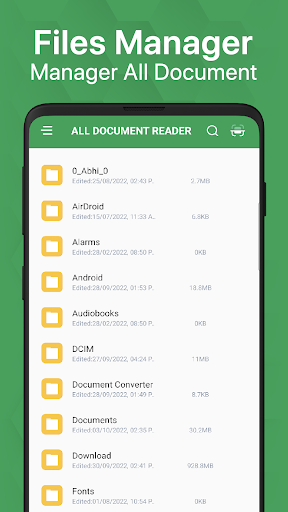
All Document Reader & Editor is optimized for speed and stability. Even large files, such as a 500-page PDF or a complex Excel workbook, load within seconds without lag. The app’s lightweight design means it won’t drain your battery or eat up unnecessary RAM. A particularly thoughtful touch is the night mode and adjustable brightness settings, which reduce eye strain during long reading sessions. The interface uses a material design language with intuitive navigation—swipe to browse documents, long-press to manage files, and tap to open or edit—making it feel natural from the first use.
Why Choose All Document Reader & Editor Over Competitors?
While apps like Adobe Acrobat and Microsoft Office offer strong functionality, they are often tied to subscriptions or specific ecosystems. All Document Reader & Editor breaks these barriers by providing a free, all-in-one solution with no hidden costs. Its offline capability also ensures you can work without an internet connection, a critical advantage for travelers or those with limited data plans. The regular updates add new features based on user feedback, such as recently added OCR for scanned documents, further widening its appeal.
Final Verdict
All Document Reader & Editor is more than just a document viewer—it’s a comprehensive mobile office suite that simplifies your digital life. Its combination of universal format support, intuitive editing tools, and seamless conversion capabilities make it a standout choice in a crowded market. Whether you’re a freelancer managing contracts, a student annotating lecture notes, or a casual user organizing personal documents, this app delivers consistent, reliable performance. Download it today and experience a new level of document management efficiency.
Screenshots