HP Smart (HP AiO Remote)
-
4.5
-
Developer
HP Inc.
-
Category
Productivity
-
Version
16.5.1.4270
-
Android OS
6
-
Downloads
160M
-
Content rating
3
Introduction to HP Smart (HP AiO Remote)
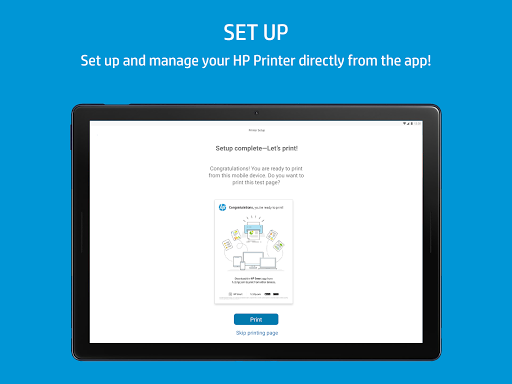
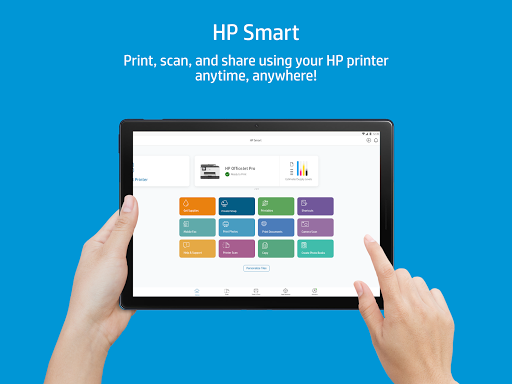
HP Smart (HP AiO Remote) is a versatile mobile application designed to enhance the functionality of HP printers and All-in-One (AiO) devices. This app allows users to manage their printing tasks remotely, offering a seamless and efficient printing experience. Whether you're at home, in the office, or on the go, HP Smart ensures that your printing needs are met with ease and convenience.
Key Features of HP Smart
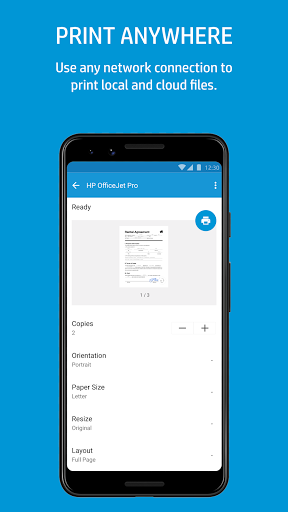
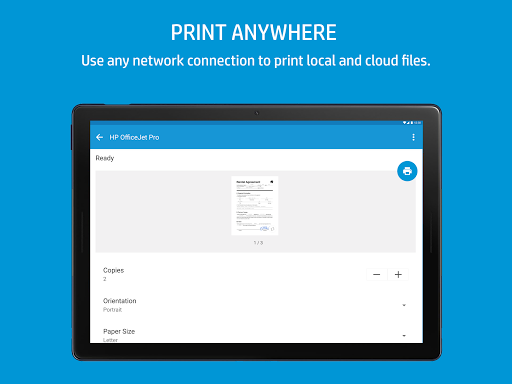
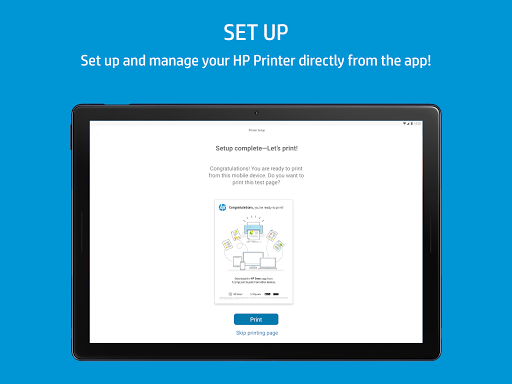
One of the standout features of HP Smart is its ability to connect to your HP printer wirelessly. This means you can print documents, photos, and other files directly from your smartphone or tablet without the need for a physical connection. The app supports a wide range of HP printers, making it a versatile tool for users with different models.
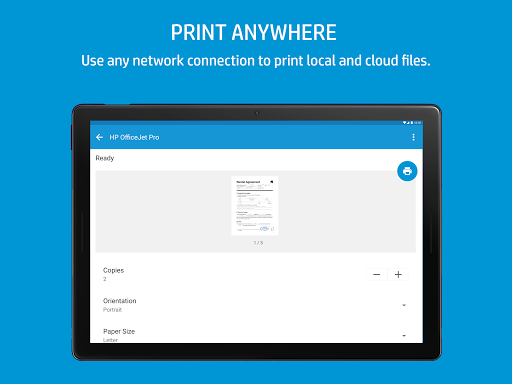
Another notable feature is the remote printing capability. With HP Smart, you can send print jobs to your printer from anywhere, as long as you have an internet connection. This is particularly useful for professionals who need to print documents while away from their office or home.
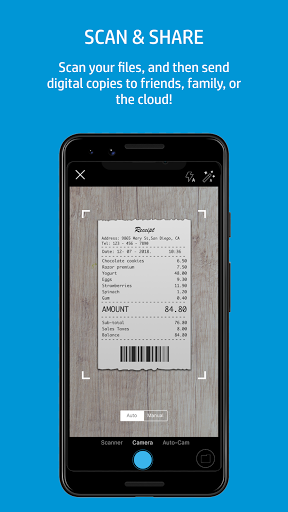
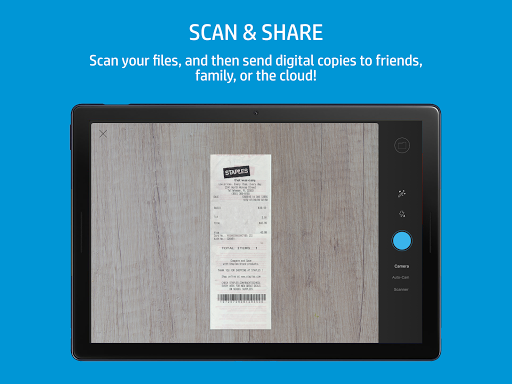
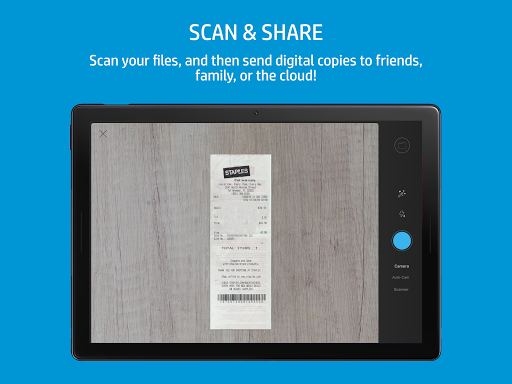
The app also includes a scanning feature, allowing you to scan documents and save them as PDFs or images directly to your mobile device. This is a great way to digitize important paperwork and keep it organized on your phone or tablet.
User-Friendly Interface
HP Smart boasts a user-friendly interface that is easy to navigate, even for those who are not tech-savvy. The app's layout is intuitive, with clearly labeled buttons and menus that guide you through each step of the printing or scanning process. This makes it accessible to a wide range of users, from students to business professionals.
Integration with Cloud Services
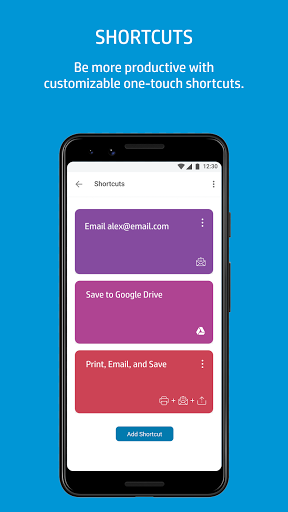
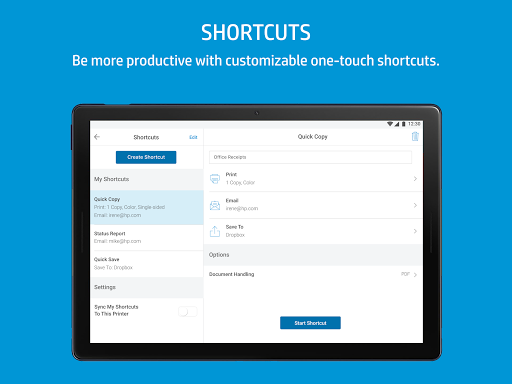
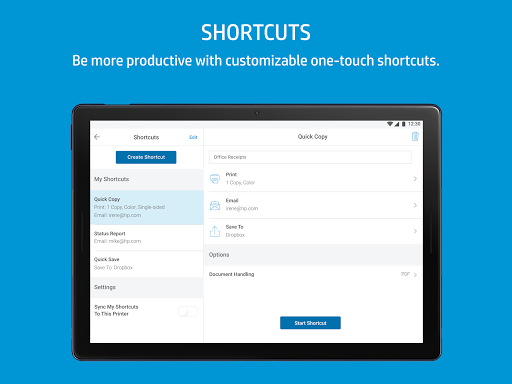
HP Smart integrates seamlessly with popular cloud services such as Google Drive, Dropbox, and OneDrive. This allows you to access and print documents stored in the cloud directly from the app. The integration with cloud services ensures that your files are always within reach, no matter where you are.
Mobile Fax and Email Printing
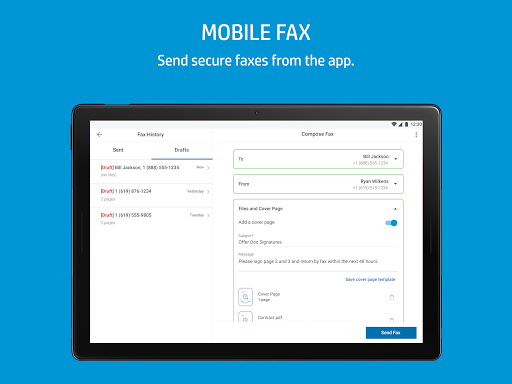
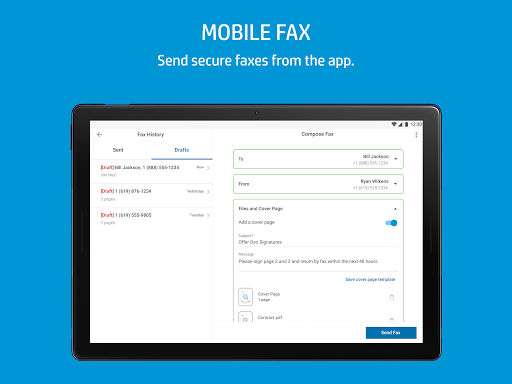
For those who need to send faxes or print emails, HP Smart offers mobile fax and email printing capabilities. You can send faxes directly from your mobile device, eliminating the need for a traditional fax machine. Additionally, you can print emails and attachments with just a few taps, making it easier to manage your correspondence on the go.
Security and Privacy
HP Smart takes security and privacy seriously. The app uses advanced encryption to protect your data and ensure that your print jobs are secure. You can also set up a PIN code to restrict access to the app, adding an extra layer of security to your printing tasks.
Conclusion
HP Smart (HP AiO Remote) is a powerful and versatile app that enhances the functionality of HP printers and All-in-One devices. With its wireless printing, remote printing, scanning, and cloud integration features, it offers a comprehensive solution for managing your printing needs. The user-friendly interface and robust security features make it a valuable tool for both personal and professional use. Whether you're at home, in the office, or on the go, HP Smart ensures that your printing tasks are handled with ease and efficiency.
Screenshots