Google Sheets
-
4.8
-
Developer
Google LLC
-
Category
Productivity
-
Version
1.26.311.01.90
-
Android OS
4.4
-
Downloads
650M
-
Content rating
3
Introduction to Google Sheets
Google Sheets is a powerful, cloud-based spreadsheet application that has become a go-to tool for individuals and businesses alike. As part of the Google Workspace suite, it offers a seamless experience for creating, editing, and sharing spreadsheets online. Whether you're managing budgets, tracking projects, or analyzing data, Google Sheets provides a versatile platform that caters to a wide range of needs.
Key Features of Google Sheets
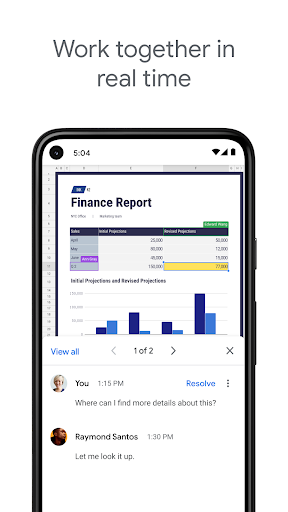
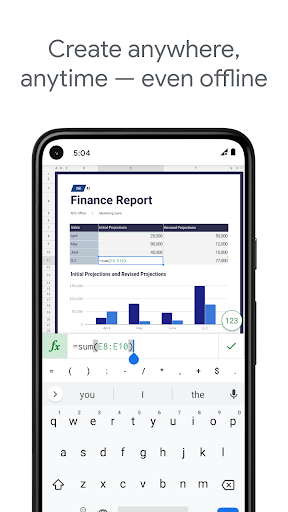
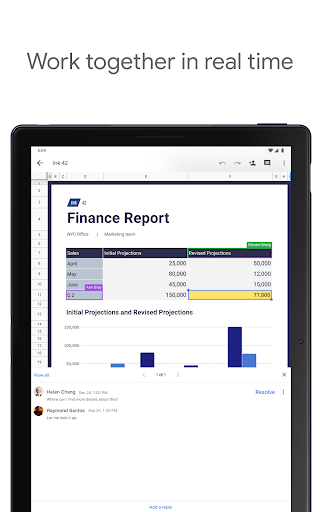
One of the standout features of Google Sheets is its real-time collaboration capability. Multiple users can work on the same spreadsheet simultaneously, with changes being reflected instantly. This makes it an excellent tool for team projects and remote work. Additionally, Google Sheets supports a wide array of formulas and functions, making it a robust tool for data analysis. From simple arithmetic to complex statistical analysis, Google Sheets has you covered.
Another notable feature is its integration with other Google services. You can easily import data from Google Forms, Google Drive, and even Google Analytics. This integration streamlines workflows and enhances productivity. Moreover, Google Sheets offers a variety of templates, from budget planners to project trackers, which can save you time and effort.
User-Friendly Interface
Google Sheets boasts a clean, intuitive interface that is easy to navigate, even for beginners. The toolbar is well-organized, with commonly used functions readily accessible. The application also provides helpful tooltips and guides, making it easier for new users to get up to speed. For those who prefer keyboard shortcuts, Google Sheets supports a wide range of them, further enhancing efficiency.
Cross-Platform Compatibility
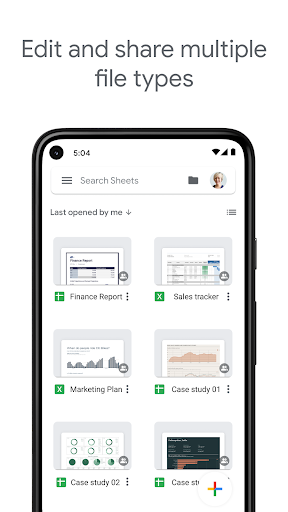
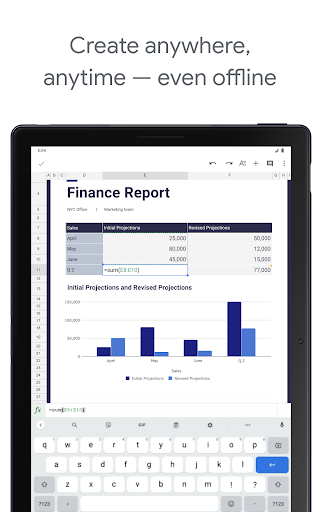
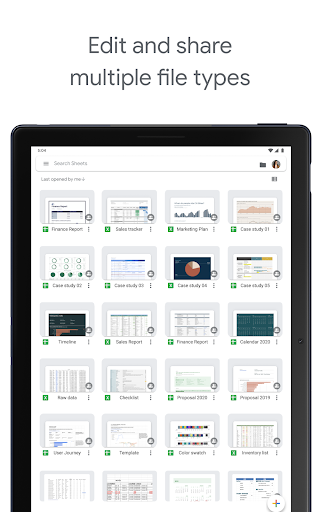
One of the major advantages of Google Sheets is its cross-platform compatibility. Whether you're using a desktop, tablet, or smartphone, you can access your spreadsheets from any device with an internet connection. The mobile app, available for both iOS and Android, offers a streamlined experience, allowing you to view and edit your sheets on the go. This flexibility ensures that you can stay productive no matter where you are.
Advanced Data Visualization
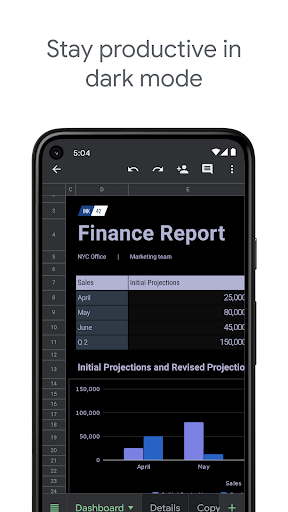
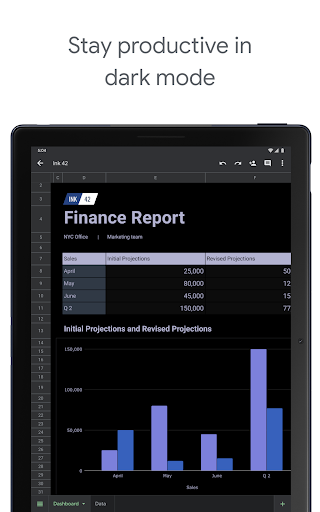
Google Sheets excels in data visualization, offering a variety of chart types and customization options. You can create bar charts, pie charts, line graphs, and more, all of which can be easily embedded into other documents or presentations. The application also supports conditional formatting, which allows you to highlight important data points based on specific criteria. This feature is particularly useful for identifying trends and outliers in your data.
Security and Privacy
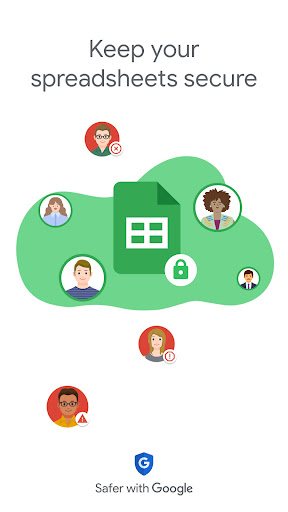
Google Sheets takes security and privacy seriously. All data is encrypted in transit and at rest, ensuring that your information is protected. You can also control who has access to your spreadsheets by adjusting sharing settings. Whether you want to share a document with specific individuals or make it publicly accessible, Google Sheets provides the flexibility to do so while maintaining control over your data.
Pricing and Accessibility
One of the most appealing aspects of Google Sheets is that it is free to use for individual users. For businesses and organizations, Google offers various pricing plans under Google Workspace, which include additional features and storage options. This makes Google Sheets an accessible tool for users of all budgets.
Conclusion
In summary, Google Sheets is a versatile, user-friendly, and powerful spreadsheet application that caters to a wide range of needs. Its real-time collaboration, advanced data visualization, and cross-platform compatibility make it a standout choice for both individuals and businesses. Whether you're a seasoned data analyst or a casual user, Google Sheets offers the tools and features you need to stay organized and productive. With its robust security measures and flexible pricing options, it's no wonder that Google Sheets has become a trusted tool for millions of users worldwide.
Screenshots