
Adobe Acrobat Reader
-
4.3
Screenshots


Introduction to Adobe Acrobat Reader
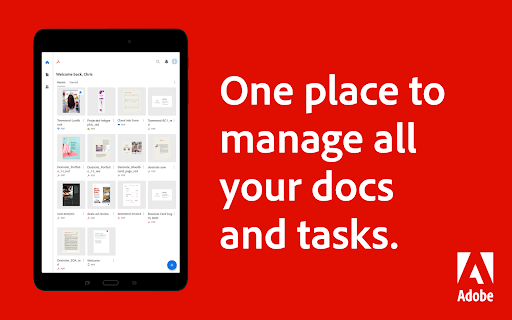
Adobe Acrobat Reader is one of the most trusted and widely used PDF applications in the world. Known for its robust features and user-friendly interface, this app allows users to view, edit, annotate, and even create PDF documents on the go. Whether you're a student, professional, or casual user, Adobe Acrobat Reader offers a comprehensive set of tools to manage your PDF files efficiently.
Key Features of Adobe Acrobat Reader
Adobe Acrobat Reader is packed with features that make it a standout choice for PDF management. Here are some of its key functionalities:
- PDF Viewing: Open and view PDF files with ease, ensuring high-quality rendering and fast loading times.
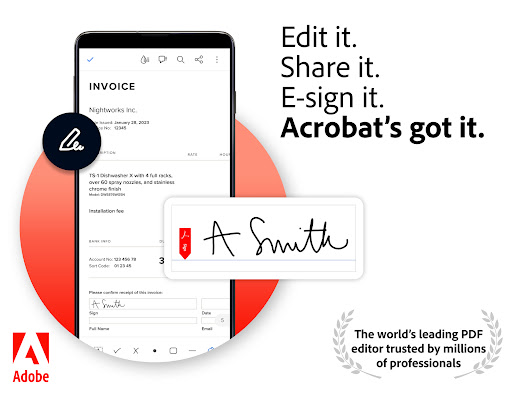
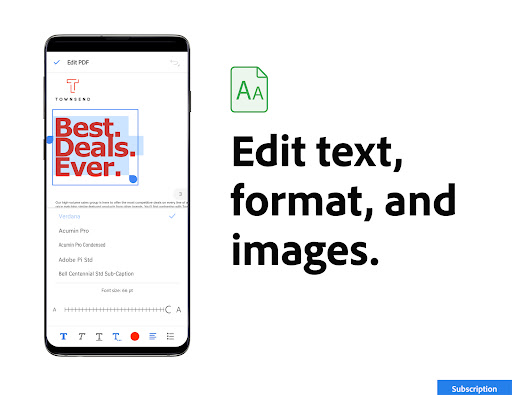
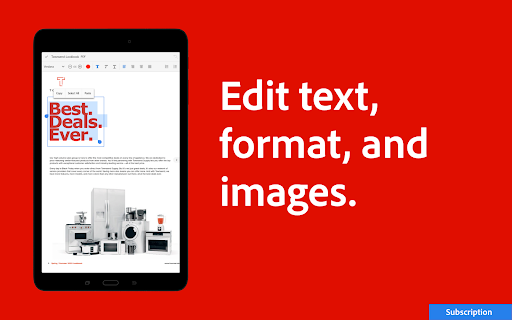
- Editing Tools: Edit text, images, and other elements within your PDF documents directly from your mobile device.
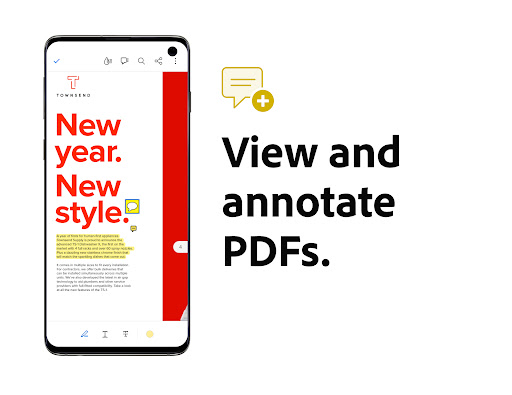
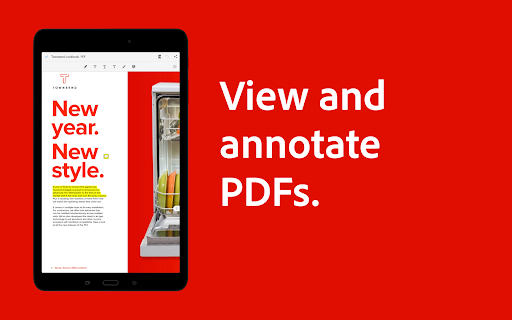
- Annotation: Highlight, underline, and add comments to your PDFs, making it perfect for collaborative work or personal notes.
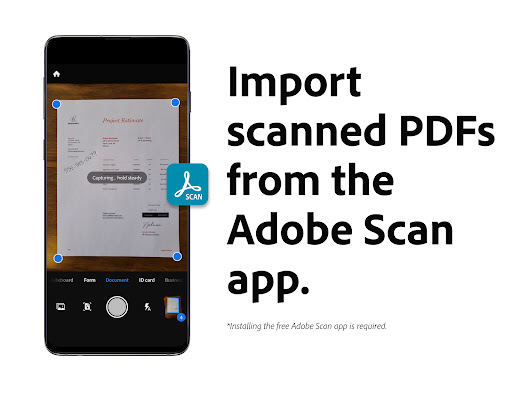
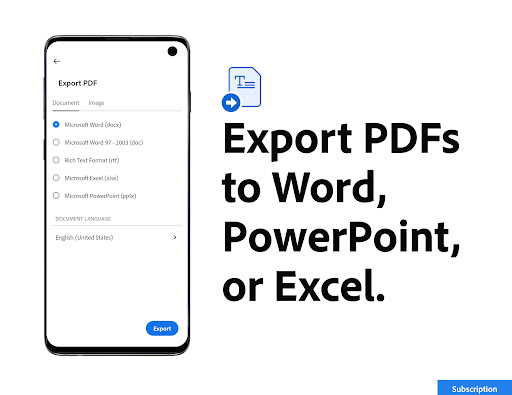
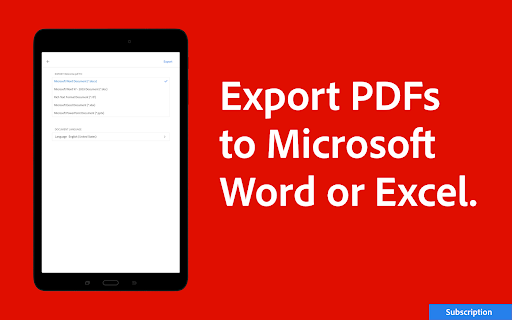
- PDF Creation: Convert images, Word documents, and other file types into PDFs seamlessly.
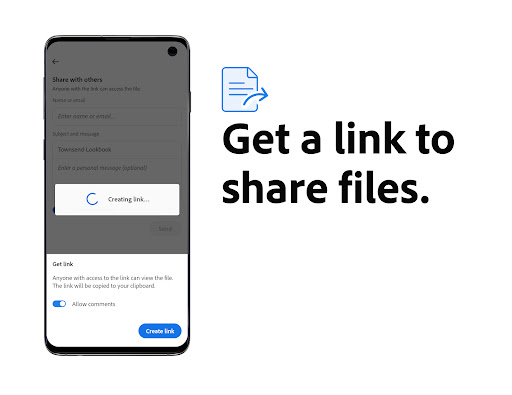
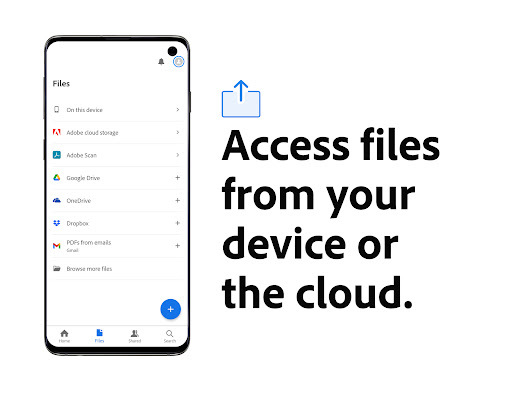
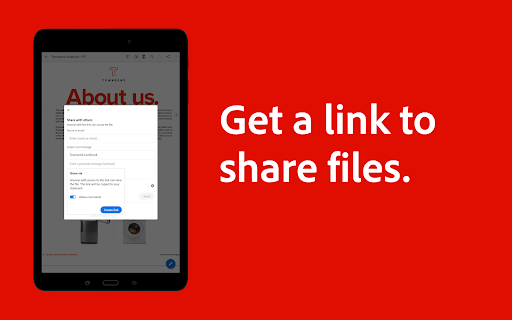
- Cloud Integration: Sync your documents with Adobe Document Cloud, Google Drive, Dropbox, and other cloud services for easy access across devices.
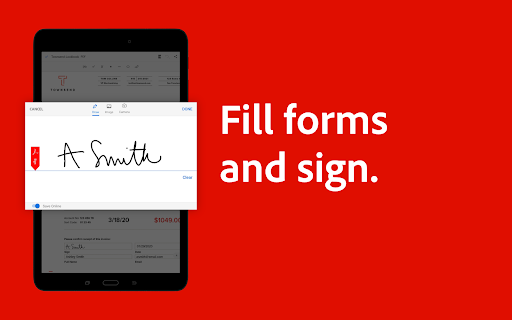
- Security Features: Protect your PDFs with passwords, redact sensitive information, and sign documents electronically.
User Experience and Interface
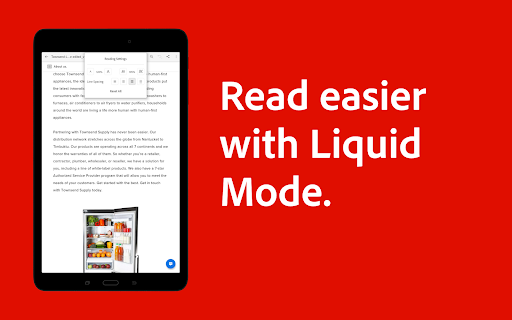
One of the standout aspects of Adobe Acrobat Reader is its intuitive and clean interface. The app is designed to be accessible for both beginners and advanced users. Navigation is straightforward, with all essential tools easily accessible from the main menu. The app also supports dark mode, which is a welcome feature for users who prefer a more comfortable viewing experience in low-light conditions.
Performance and Compatibility
Adobe Acrobat Reader performs exceptionally well on both Android and iOS devices. The app is optimized for speed, ensuring that even large PDF files load quickly and smoothly. It supports a wide range of file formats, making it a versatile tool for various tasks. Additionally, the app integrates seamlessly with other Adobe products, enhancing its functionality for users who rely on Adobe's ecosystem.
Pros and Cons
Like any app, Adobe Acrobat Reader has its strengths and weaknesses. Here’s a quick overview:
- Pros:
- Comprehensive set of PDF tools
- User-friendly interface
- Excellent cloud integration
- Strong security features
- Cons:
- Some advanced features require a subscription
- Can be resource-intensive on older devices
Conclusion
Adobe Acrobat Reader is a powerful and versatile app that caters to a wide range of PDF-related needs. Its extensive feature set, combined with a user-friendly interface, makes it an excellent choice for anyone looking to manage PDF documents on their mobile device. While some advanced features are locked behind a subscription, the free version still offers plenty of functionality for most users. Whether you're viewing, editing, or creating PDFs, Adobe Acrobat Reader is a reliable and efficient tool that won't disappoint.
If you're in the market for a PDF app that combines functionality with ease of use, Adobe Acrobat Reader is definitely worth considering. Download it today and experience the convenience of managing your PDFs on the go.


