Google Authenticator
-
4.4
-
Developer
Google LLC
-
Category
Tools
-
Version
7.0
-
Android OS
Varies with device
-
Downloads
290M
-
Content rating
0
Pro
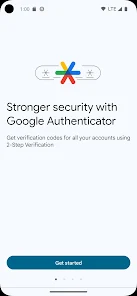
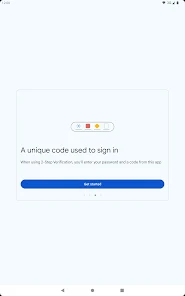
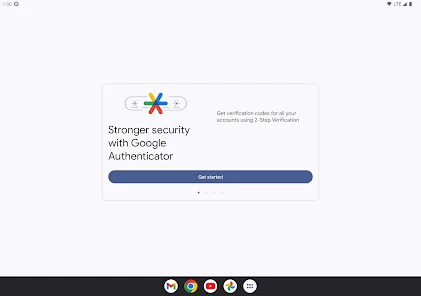
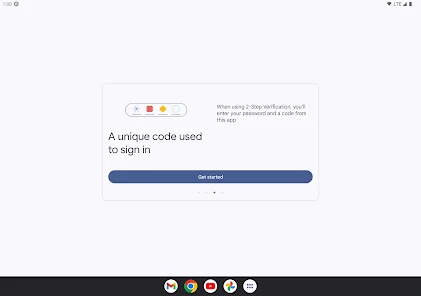
👍 Google Authenticator provides strong two-factor protection by generating time-based one-time passwords (TOTP) locally on your device. Because codes are device-generated rather than sent by SMS, it significantly reduces risk from SIM‑swap attacks and SMS interception, adding a reliable layer of security for email, cloud accounts, and other sensitive services.
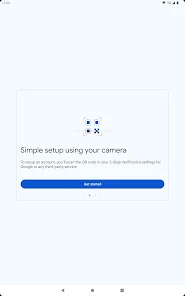
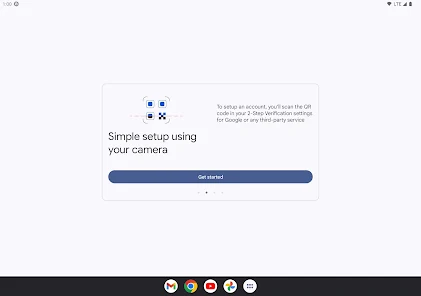
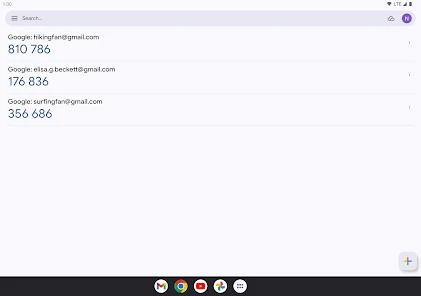
👍 Because codes are generated offline on the phone, Google Authenticator works reliably without cellular or Internet access and cannot be intercepted in transit. Setup is fast — scan a QR code to add accounts — and the clean, minimal interface makes retrieving codes quick for frictionless sign-ins and secure multi-factor authentication.
👍 Google Authenticator supports industry-standard TOTP/HOTP tokens, ensuring broad compatibility with major websites and services. The app is lightweight and privacy-focused — it doesn’t require a linked cloud account or extra permissions — and includes account export/import tools to ease device upgrades while keeping credentials under your control.
Con
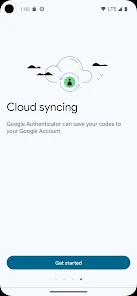
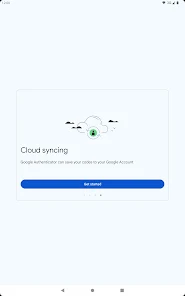
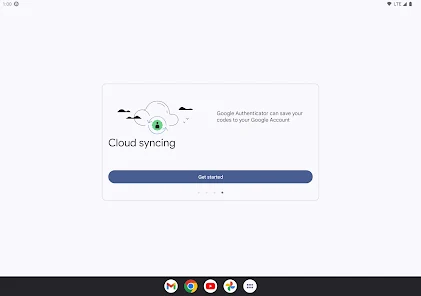
👎 Google Authenticator has no cloud backup or seamless multi-device sync. If your phone is lost, stolen, or reset, you can permanently lose all 2FA tokens unless you previously saved recovery codes or exported accounts manually. That makes device changes risky and recovery time-consuming for many users.
👎 Account transfer and recovery are awkward and error-prone. Moving accounts requires manually scanning QR codes or using the export tool, and if recovery codes weren’t saved, regaining access to services can require contacting each provider. This complexity increases downtime and frustration, especially during emergency device replacements.
👎 Feature-wise, Google Authenticator is minimalist compared with alternatives. It lacks push-based login approvals, robust labeling/searching, encrypted cloud backups, and centralized management for teams. Power users and organizations may find it insufficient for multi-device workflows, remote provisioning, or streamlined account organization and recovery.
Screenshots