TP-Link Deco
-
4.2
-
Category
Tools
-
Version
2.4.9
-
Android OS
Varies with device
-
Downloads
500M
Pro
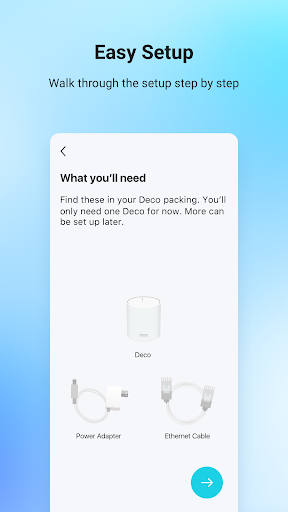
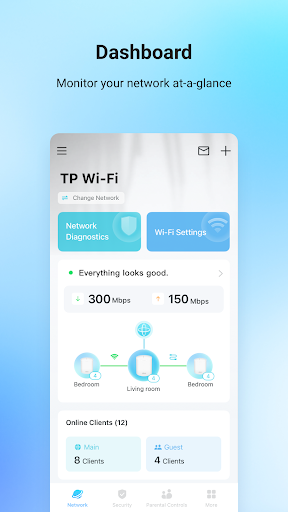
👍 The Deco app delivers fast, guided setup and simple mesh management. With step-by-step in-app instructions you can add nodes, name rooms, run speed tests, and monitor devices in minutes. Intuitive dashboards and remote access via your TP-Link account make daily management and troubleshooting easy for beginners and power users alike.
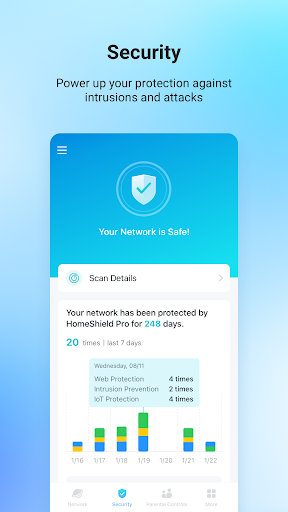
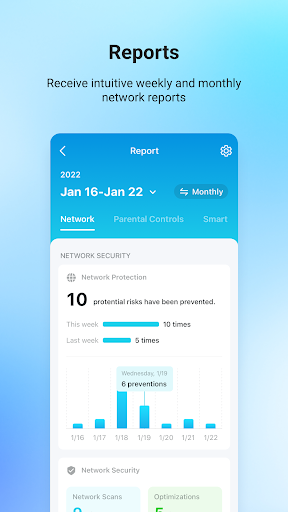
👍 Deco’s security features protect your whole network with real-time threat detection, malware blocking, and automatic firmware updates. Built-in safeguards keep IoT devices, PCs, and smartphones secure while filtering malicious sites. Continuous protection without manual patching helps maintain a safer home or small business network with minimal effort.
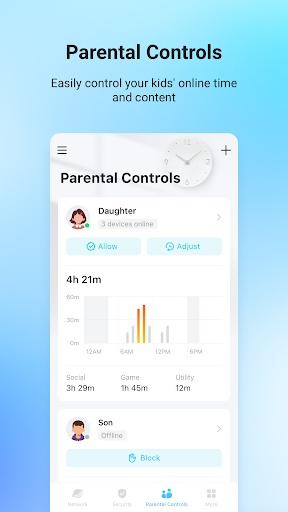
👍 Powerful parental controls and traffic management let you create device profiles, schedule internet access, and block content categories with ease. Quality of Service prioritizes gaming, streaming, or work devices to ensure stable performance. Guest network options and per-device settings give control over bandwidth and privacy for visitors without exposing your main network.
Con
👎 The Deco app requires a TP‑Link cloud account and relies primarily on the mobile app for setup and management, offering little or no local web interface. That dependency can raise privacy concerns, complicate remote access when cloud services are down, and frustrate users who prefer on‑premise control.
👎 The app prioritizes simplicity, which limits advanced networking controls. Power users may miss VLAN tagging, granular QoS, advanced firewall rules, VPN server support, and static route management. Complex or business-class network setups often require more capable hardware or a router with full web‑based configuration.
👎 Some users encounter occasional app bugs, confusing navigation, and inconsistent device detection. Parental controls, device prioritization, or scheduling can behave unpredictably after firmware updates. Troubleshooting is harder because the app provides limited diagnostic logs, so resolving intermittent connectivity or configuration issues may require resets or contacting support.
Screenshots