File Explorer
-
4.5
-
Developer
BtissHirch
-
Category
Tools
-
Version
1.0.4
-
Android OS
Varies with device
-
Downloads
680M
-
Content rating
0
Pro
1. User-Friendly Interface: File Explorer offers an intuitive and easy-to-navigate interface, allowing users to quickly access, manage, and organize files and folders efficiently.
2. Integrated Search Functionality: It features a powerful search bar that enables users to locate files and folders rapidly, saving time and increasing productivity.
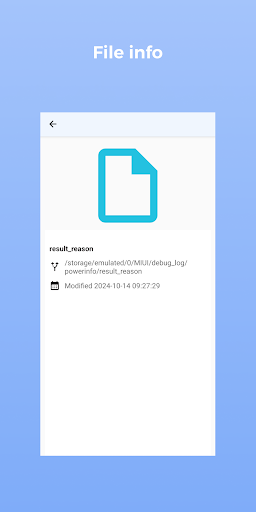
3. File Management Capabilities: File Explorer supports a range of file management tasks, including copying, moving, deleting, and renaming files, as well as viewing file properties and changing file attributes.
Con
1. Limited Advanced Functionality: File Explorer lacks advanced file management features like bulk renaming, file tagging, and multi-tab browsing, which reduces efficiency for power users.
2. Performance Issues: With large directories, File Explorer can become slow and unresponsive, impacting productivity.
3. Inefficient Search: The built-in search functionality can be slow and often fails to find files or folders accurately, leading to frustration.
Screenshots