GoPro
-
4.4
-
Developer
GoPro
-
Category
Photography
-
Version
11.12
-
Android OS
7
-
Downloads
490M
-
Content rating
3
Pros
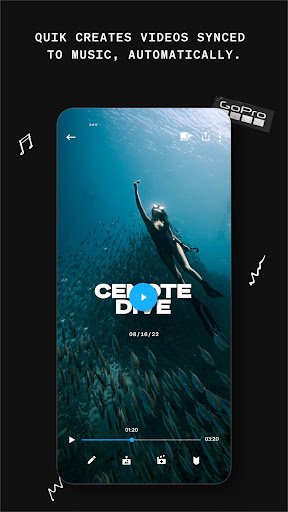
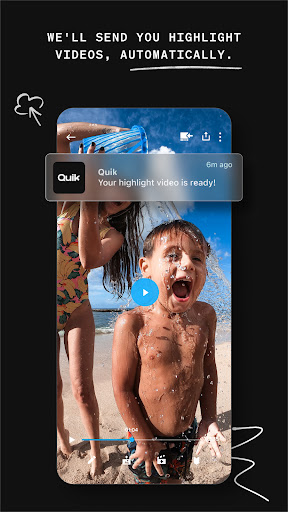
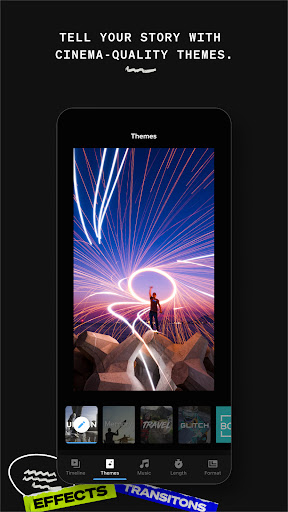
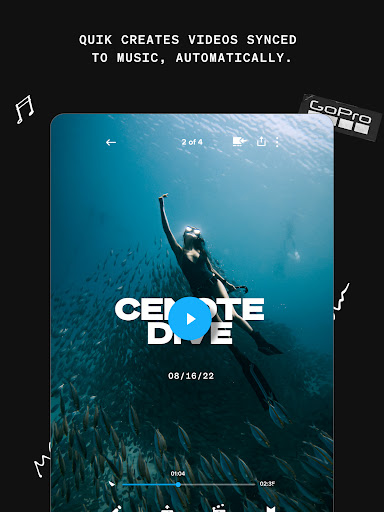
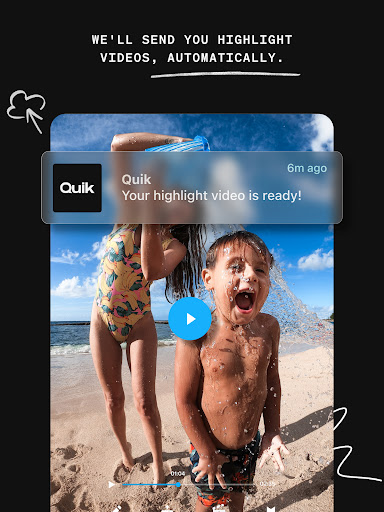
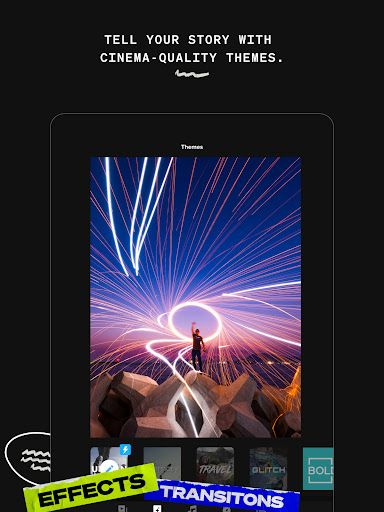
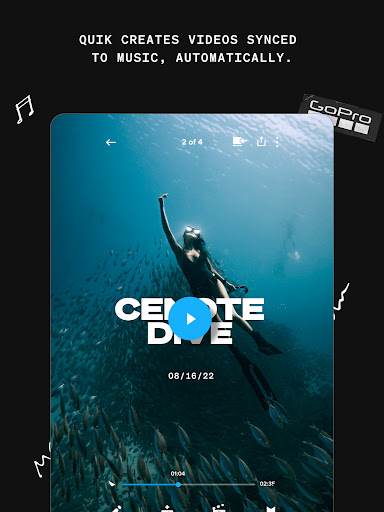
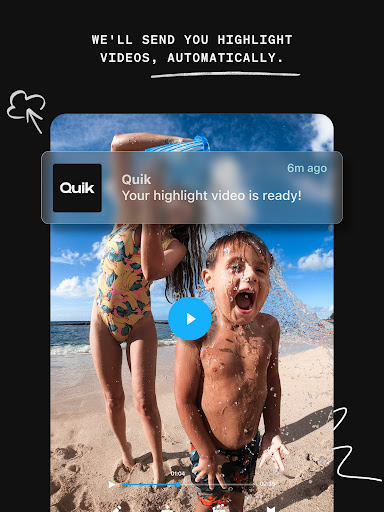
Automatic, AI-powered editing turns raw clips into polished highlights in seconds. Quik analyzes footage to pick the best moments, syncs cuts to music, and applies transitions and color adjustments automatically. For busy creators it eliminates tedious manual work, producing shareable QuikStories you can export or post instantly.
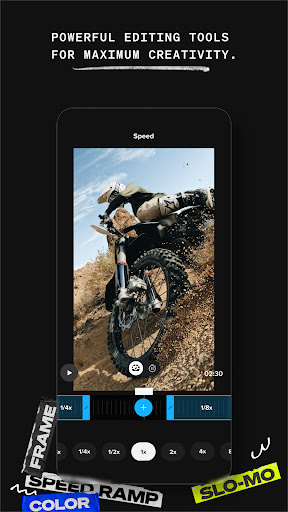
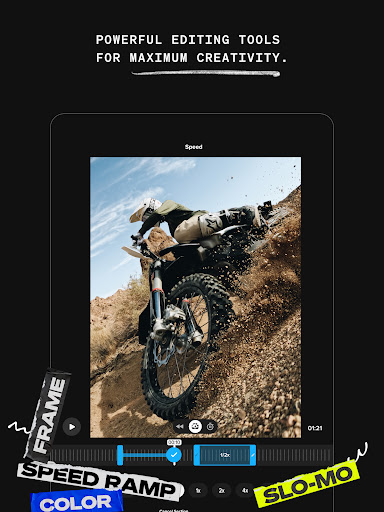
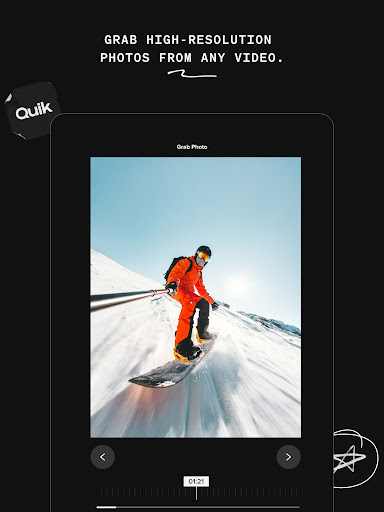
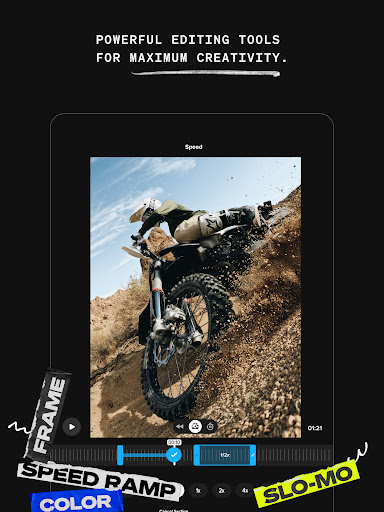
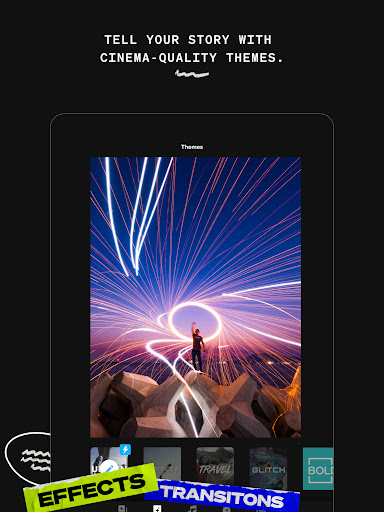
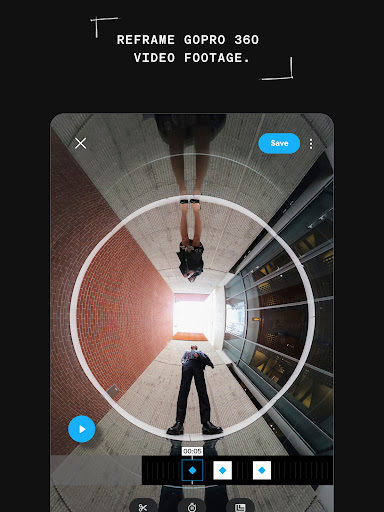
Intuitive editing tools let you fine-tune every clip with trims, speed controls, filters, text overlays, and precision frame-by-frame adjustments. Customizable templates and themed presets make consistent branding easy, while real-time previews and simple drag-and-drop controls keep the workflow fast and accessible for both beginners and experienced editors.
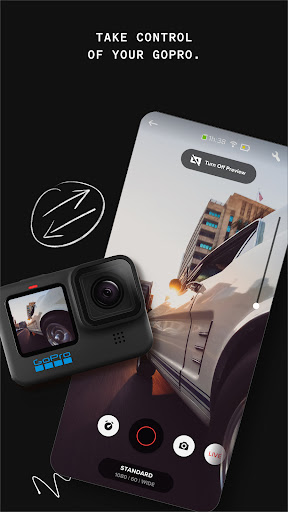
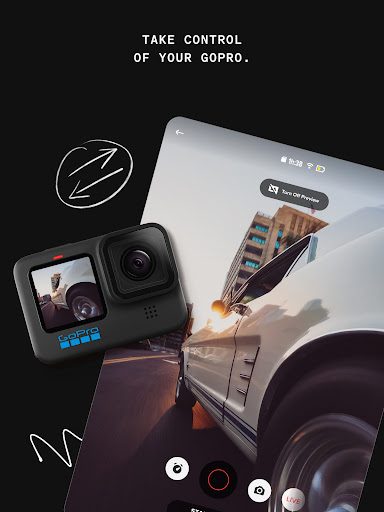
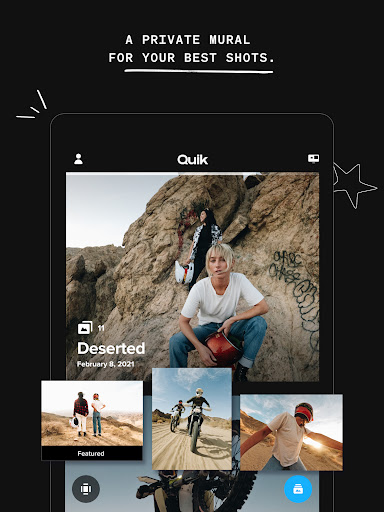
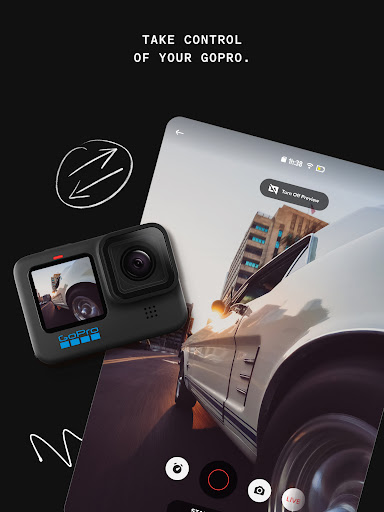
Seamless GoPro ecosystem integration allows wireless import from cameras, automatic cloud backup (with subscription), and cross-device access so your edits follow you. Exports are optimized for social platforms and support multiple aspect ratios, making it easy to share high-quality video across Instagram, TikTok, YouTube, and other channels without extra conversion.
Cons
GoPro Quik's editing capabilities are basic compared with desktop NLEs, offering limited timeline control, no multi-track editing, minimal color grading and rudimentary audio tools. It's designed for quick, automated edits rather than detailed, frame-accurate work, making it unsuitable for users who need precise control or professional-level finishing.
Many useful features are locked behind a GoPro Quik subscription: the free version restricts export resolution, watermark removal, cloud backup, and premium music. That paywall can be frustrating for casual users who expect full functionality without recurring fees, especially when competing editors include more features at lower cost.
Users report occasional instability and performance issues with GoPro Quik: slow rendering, crashes with large files, and unreliable imports from non-GoPro devices. The app's auto-editing can be inconsistent, producing overly-stylized or poorly-timed cuts that still require manual correction, undermining the promised time-saving convenience.
Screenshots