Instant Cut
-
4.2
-
Developer
Latiffa Mobile LLC
-
Category
Video Players & Editors
-
Version
1.15.4
-
Android OS
Varies with device
-
Downloads
190M
-
Content rating
0
Pros
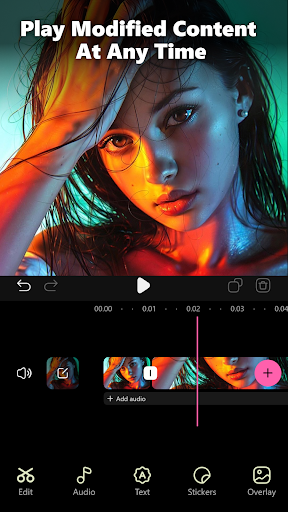
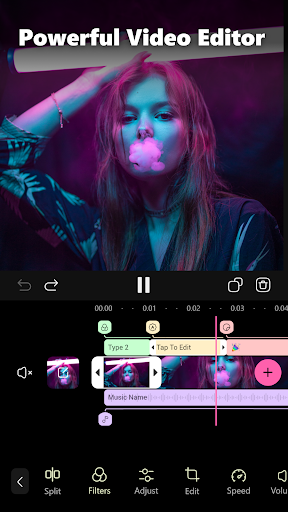
Instant Cut delivers lightning-fast, frame-accurate trimming and cutting tools that make removing unwanted footage a breeze. Its responsive timeline and instant preview let you fine-tune clips precisely, speeding up edit sessions and reducing export retries. Ideal for creators who need quick, reliable edits without sacrificing control or quality.
Designed with an intuitive, mobile-first interface, Instant Cut simplifies complex edits through drag-and-drop timelines, clear controls, and touch-friendly gestures. Ready-made aspect-ratio presets and layout templates streamline publishing to Instagram, TikTok, YouTube, and more, helping users produce platform-optimized videos faster while keeping a minimal learning curve.
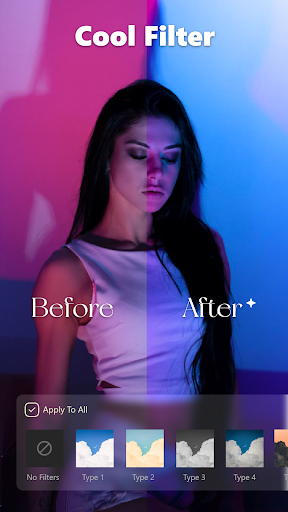
Smart automation and robust export options make Instant Cut a versatile editor: automatic scene detection, one-tap cuts, and built-in filters speed workflow, while hardware-accelerated exports and customizable quality/format settings ensure high-resolution output across devices. This balance of automation and control supports both quick social clips and polished long-form projects.
Cons
Instant Cut favors fast, simple edits but lacks advanced tools power users expect. It offers basic trimming, automatic cuts, and preset transitions but no multi-track timeline, keyframe controls, advanced color grading, or sophisticated audio mixing. Creators needing professional-level precision will find its feature set restrictive and workflow-limiting.
The app’s freemium model restricts functionality until you pay. Free users often face watermarks on exports, resolution caps, frequent ads, and locked features requiring subscription or one-time purchases. These limitations hinder trial use and force creators to upgrade for clean, high-quality videos, which can be frustrating for occasional editors.
Users report occasional performance issues with large projects: slow rendering, unexpected crashes, and heavy battery or CPU usage on older devices. The app also supports a limited range of import/export formats and codecs, which complicates workflows for creators working with professional footage or needing specific delivery formats.
Screenshots